office guide / office 2019
Office 2019 Phone activation
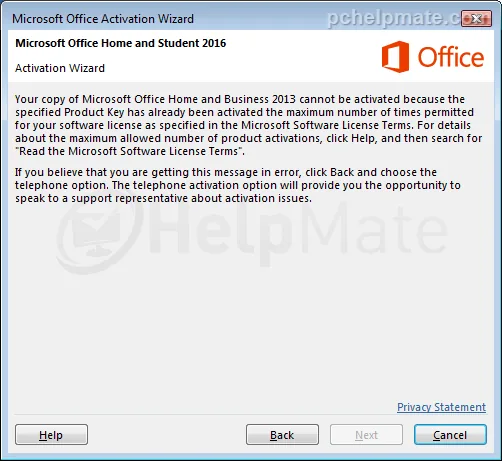
If you see this window, you need to perform a phone activation. Please click on “back” and continue to the next step.
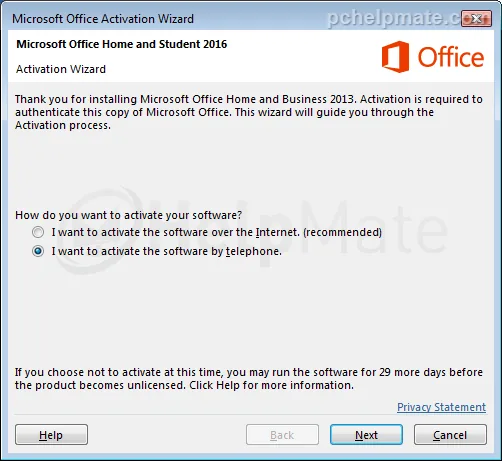
Now choose the phone activation option and click “Next”.
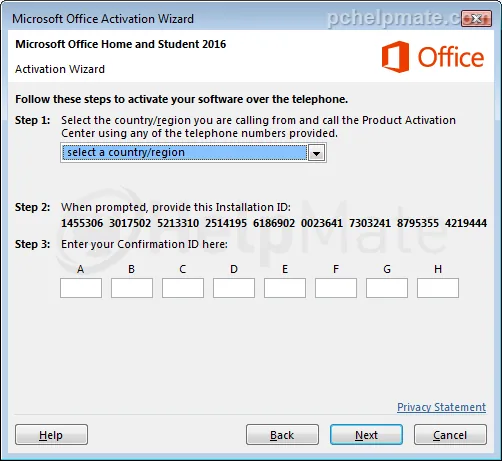
Now choose your country, call the provided number and follow the steps to the point where you enter the installation ID and receive the confirmation ID, which you put into boxes A-H.
If you see a message about phone activation being no longer supported, disregard it; this message is displayed to everyone who is not an Office 365 subscriber. The phone number can be found here on the official Microsoft website.
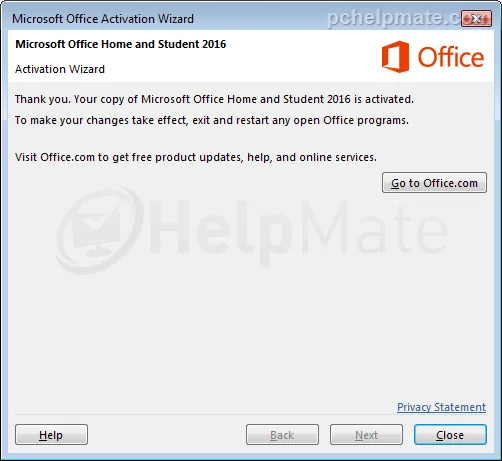
After typing in the confirmation ID from Microsoft, hit Next. The product key will be verified and that’s it: Office is successfully activated and ready to use.